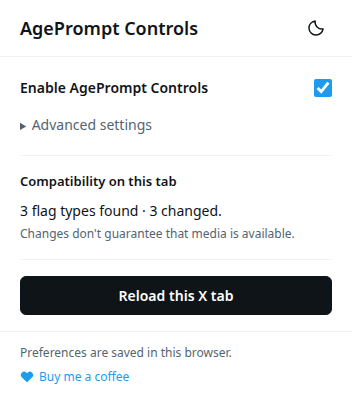
AgePrompt Controls adjusts selected settings in X’s frontend to reduce age-verification prompts and sensitive-content warnings. It doesn’t host or provide media, change your X account, or retrieve content X’s servers don’t deliver.
Compatibility depends on X’s current implementation. The popup reports settings it encounters and changes; those counts don’t guarantee that a post or video is available.
Where can I get it?
The extension is currently being developed and tested as an unpacked Chrome extension. A public release link will be added here when it is available.
What information does it collect?
The extension stores its settings and theme locally in your browser. It does not include analytics, collect browsing history, or send your account data to an external service.
About my work
I’m an independent developer working on practical tools for the web. AgePrompt Controls is my current project, built around a straightforward idea: give people a few useful controls without adding clutter.
I’m improving it through testing and feedback, with attention to performance and a simple interface.